
How to Tilt a Stand Mixer Head?
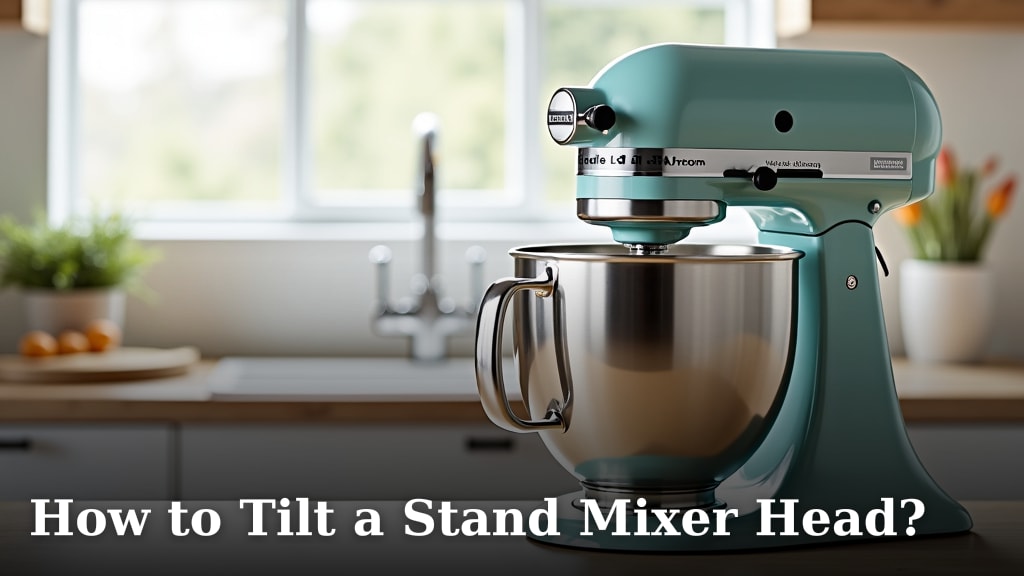
Tilting a stand mixer head is usually a simple process, often involving a lever or button. You’ll find this mechanism on tilt-head models to give you easy access to the bowl. It’s designed to make adding ingredients or changing attachments much quicker.
Many home bakers rely on their stand mixers daily. Knowing how to operate its basic functions is key. We found that understanding this tilt feature helps prevent accidental damage. It also makes your baking workflow much smoother and more enjoyable.
- Tilt the head back to access the bowl.
- Look for a lever or button on the side.
- Push or pull to release the head.
- Lower it gently back into place.
- Ensure it locks securely before use.
Let’s walk through exactly how to tilt your stand mixer head, step by step. We’ll cover the common methods and what to do if you get stuck.
Getting Your Stand Mixer Head to Tilt
Tilting the head of your stand mixer is usually a straightforward action. It gives you easy access to the mixing bowl. This is essential for adding ingredients or swapping out attachments. Most tilt-head mixers have a simple release mechanism. You’ll typically find a lever or a button. These are designed for quick and easy operation.
Locating the Tilt Mechanism
The first step is to find the lever or button. On most stand mixers, this is located on the side of the mixer head, near where the head meets the base. It might be a small button you push or a lever you pull. Some models have a lever that you push down. Others have a button that you need to press and hold. Take a moment to look around the base of the mixer head. You should see it clearly.
How to Release the Mixer Head
Once you’ve found the mechanism, it’s time to release the head. For lever-style releases, you’ll usually need to push or pull the lever. This action disengages the lock holding the head in place. For button-style releases, you’ll often need to press the button and then lift the head. Some manufacturers recommend pressing the button while simultaneously tilting the head back. Always refer to your specific model’s manual if you’re unsure.
Lever Action
If your mixer has a lever, observe how it moves. Most levers are designed to be pushed downwards or pulled outwards. You should feel a slight resistance as you engage it. Once released, the head will feel loose. It’s ready to be tilted. Be gentle as you release it; you don’t need excessive force. We found that a smooth, deliberate motion works best.
Button Action
For mixers with a button, the process is similar but uses a different input. You’ll typically press the button and then lift the head. Some buttons are flush with the mixer body. Others might have a small handle or indentation. Make sure you press it firmly enough to activate the lock release. Holding the button down while tilting is a common method.
Tilting the Head Backwards
With the lock released, you can now tilt the head. Gently grasp the mixer head with one hand. Use your other hand to support the base if needed. Slowly lift the back of the head. It should pivot smoothly on its hinge. Tilt it back until it reaches its maximum angle. This angle is usually sufficient to allow for easy bowl removal or ingredient addition. Don’t force it if it feels stuck. A little wobble is normal as you get used to it.
Lowering the Mixer Head Back into Place
After you’ve finished with the bowl or attachments, you’ll need to lower the head. Align the head with the base. It should rest naturally on the hinge. You’ll likely hear or feel a click as it locks back into position. This click is important. It confirms the mixer is secure for operation. If you don’t hear or feel a click, try jiggling it slightly. Ensure it’s firmly seated.
Ensuring the Lock is Secure
This is a critical step. Before you start your mixer, always ensure the head is locked down. A loose head can cause problems. It might vibrate excessively or even detach during operation. Gently try to lift the back of the head after lowering it. If it doesn’t move freely, it’s likely locked. This check prevents accidents and protects your mixer.
Troubleshooting Common Issues
What if the head doesn’t tilt? Or perhaps it feels stuck? Don’t panic. There are a few common reasons this might happen. Often, it’s just a matter of technique or minor obstruction. We’ve seen users struggle when they apply too much force. Or sometimes, a bit of dried batter can interfere with the locking mechanism.
Stuck Lever or Button
If the lever or button feels stuck, check for any visible obstructions. Sometimes, dried food particles can jam the mechanism. You can try wiping the area with a damp cloth. If it’s a button, ensure you’re pressing it squarely. For levers, make sure you’re pushing or pulling it in the intended direction. Avoid using pliers or excessive force, as this can damage the parts. A gentle wiggle might help free it.
Head Won’t Lock Back
If the head doesn’t lock securely, it might not be aligned properly. Try lifting the head slightly and then lowering it again. Ensure both sides of the head are seated evenly on the hinge. Sometimes, tilting it back a little further can help the locking pins engage. If you continue to have trouble, consult your mixer’s user manual. Many manuals offer specific troubleshooting tips for common issues.
A Quick Checklist for Tilting Your Mixer Head
Here’s a quick rundown to make sure you’re doing it right:
- Locate the tilt lever or button on the side.
- Push or pull the lever, or press the button, to release the lock.
- Gently tilt the head back to access the bowl.
- Lower the head carefully, ensuring it aligns with the base.
- Listen and feel for the click that confirms it’s locked securely.
- Always give the head a gentle tug to ensure it’s locked before starting.
Conclusion
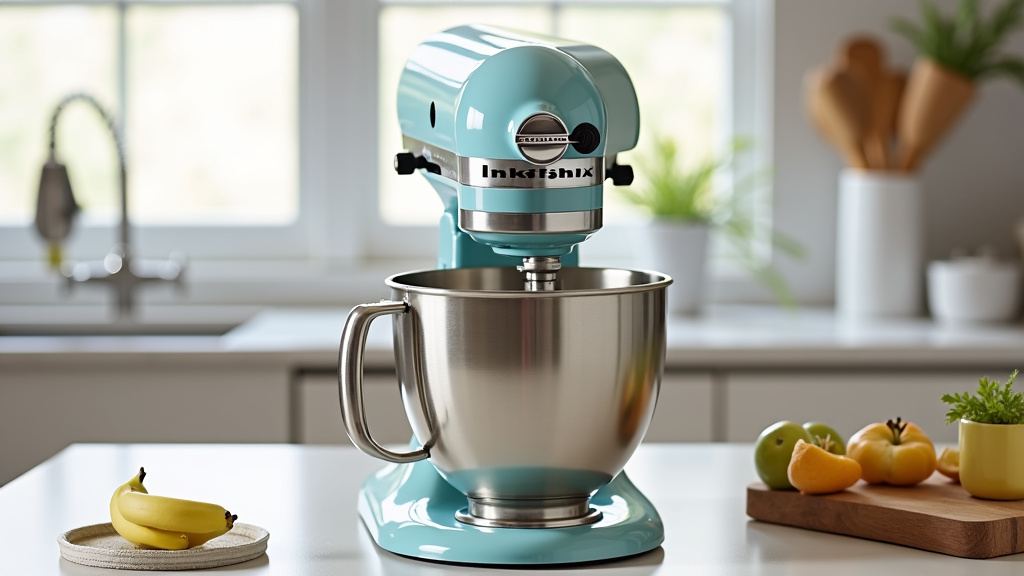
You’ve learned the simple steps to tilt your stand mixer head. It’s a fundamental action for easier baking. Remember to locate the lever or button, release the head gently, and always ensure it locks securely when you’re done. This basic technique makes ingredient additions and attachment changes a breeze. Master this, and you’ll find your stand mixer becomes an even more user-friendly tool in your kitchen. Next time you need to access your bowl, you’ll do it with confidence and speed!
Frequently Asked Questions
My stand mixer head won’t tilt. What should I do?
First, double-check that you’re engaging the correct lever or button. Sometimes dried ingredients can obstruct the mechanism. Try gently wiping the area with a damp cloth and then attempt the tilt again. Avoid using excessive force, as this could cause damage.
How do I know if the stand mixer head is properly locked?
You should hear and feel a distinct “click” when the head locks back into place. After lowering the head, give it a gentle tug upwards to ensure it’s secure. If it doesn’t budge, it’s properly locked and ready for use.
Can I leave the stand mixer head tilted while it’s running?
Absolutely not. You must always lower and securely lock the mixer head before turning it on. Operating the mixer with the head tilted can cause serious damage to the machine and be very dangerous.
My lever feels stiff. Is there a way to loosen it?
If your lever is stiff, check for any visible debris around the mechanism. A small amount of food-grade lubricant applied sparingly to the pivot point might help. Consult your manual to see if lubrication is recommended for your specific model.
What if I push the lever, but the head still won’t lift?
Ensure you are pushing or pulling the lever firmly and in the correct direction as indicated by your mixer’s design. Sometimes, the mixer head needs a slight jiggle while you’re operating the lever to release it. If it persists, refer to your user manual for model-specific troubleshooting steps.
