
Why Is My Stand Mixer Beater Not Scraping the Bowl?
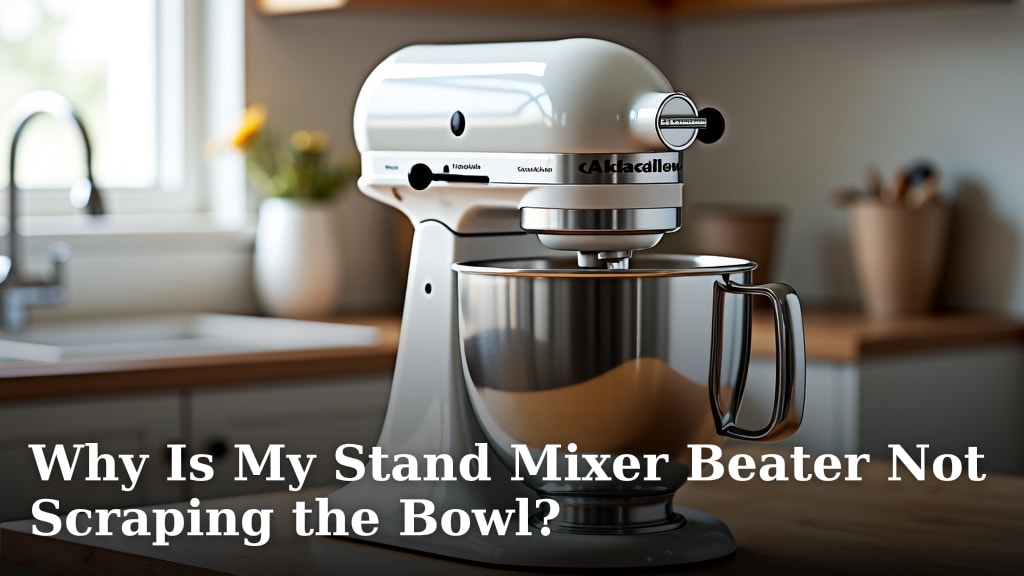
Your stand mixer beater isn’t scraping the bowl because it’s likely set too high. Most stand mixers have an adjustment screw you can use to fix this. Getting the beater height just right ensures efficient mixing and cleaner bowls. We’ll show you how to fix this common issue.
A beater that doesn’t reach the bottom can leave ingredients unmixed. This means you might end up with pockets of flour or butter. Adjusting it correctly means smoother batters and better overall results. It’s a simple fix that makes a big difference.
- Beater too high? It’s a common problem.
- An adjustment screw is usually the fix.
- Proper height means better mixing.
- Avoid unmixed ingredients in your bowl.
Let’s walk through exactly how to adjust your stand mixer’s beater height so you can get back to baking.
Troubleshooting Your Stand Mixer Beater Height
Is your stand mixer beater just not quite reaching the bottom of the bowl? It’s a common baking frustration. You might see batter stuck to the sides or, worse, a layer of unmixed ingredients at the very bottom. Don’t worry, this is usually a simple fix. We’ll guide you through understanding why this happens and how to correct it.
A beater that’s set too high means you’re doing extra work. You’ll find yourself constantly stopping the mixer. Then you have to manually scrape down the sides and bottom. This defeats the purpose of a stand mixer. It’s supposed to make your baking easier and more efficient. Let’s get that beater working like it should.
Why Isn’t My Stand Mixer Beater Touching the Bowl?
The most frequent reason your beater isn’t scraping the bowl is that it’s simply set too high. Stand mixers are designed with an adjustable beater height. This allows you to fine-tune it for different bowls and ingredients. If it’s not adjusted correctly, it leaves ingredients untouched.
Think of it like a painter’s brush. If the brush is held too far from the canvas, you won’t get a clean stroke. Your beater is the same way. It needs to be close enough to the bowl’s surface to mix everything properly. If it’s too far, you get those frustrating unmixed pockets.
Understanding the Adjustment Mechanism
Most stand mixers have a small **adjustment screw**. This screw is typically located near the hinge where the mixer head tilts back. It might be on the side or the back of the mixer body. Sometimes, it’s accessible only when the head is tilted back.
This screw controls the overall **vertical position** of the beater. Turning it in one direction lowers the beater. Turning it the other way raises it. It’s a simple but effective mechanism. It’s designed to ensure your beater works perfectly with the bowl.
Where to Find the Adjustment Screw
The exact location can vary by brand and model. For KitchenAid mixers, it’s often on the back of the stand, near the tilt-back hinge. For other brands, you might need to consult your manual. Many users find it by simply looking around the pivot point of the mixer head. You’re looking for a small screw that seems to control height.
Common Causes of Beater Clearance Issues
Aside from initial improper adjustment, other factors can cause clearance problems. Sometimes, a **new bowl** might have slightly different dimensions. Even a millimeter difference can affect how the beater fits. Or, perhaps you’ve bought a replacement bowl and it’s not quite the same as the original.
Another cause could be wear and tear over time. If you’ve had your mixer for a long time, some parts might shift slightly. This is less common but possible. For the most part, though, it’s about having the correct **adjustment**. It’s designed to be set and forgotten, until it isn’t.
How to Adjust Your Stand Mixer Beater Height
Adjusting your beater is a straightforward process. You’ll need your stand mixer, its bowl, and the beater attachment. A screwdriver might be needed, depending on your mixer model. Let’s walk through it step-by-step. You’ll have your mixer working perfectly in no time.
Step 1: Preparation and Initial Check
First, ensure your mixer is unplugged. Safety first is always the best approach. Attach the beater you normally use. Place the mixing bowl onto the stand. Lock it into place as you would for normal operation. Make sure the bowl is seated correctly.
Now, try turning the beater by hand. Does it spin freely? Is there a noticeable gap between the beater and the bottom of the bowl? You can also gently wiggle the beater. Does it feel loose or does it seem to hit the bowl immediately?
Step 2: Finding and Using the Adjustment Screw
Locate that adjustment screw we talked about. If you have a KitchenAid, it’s usually at the back of the mixer column. You might need to tilt the mixer head back to access it easily. Refer to your owner’s manual if you’re unsure. It’s your best friend for specific instructions.
Once you’ve found it, you’ll need to make small adjustments. Try turning the screw a quarter or a half turn at a time. If the beater is too high, you want to **lower it**. This usually means turning the screw counter-clockwise, but check your manual. If it’s too low and hitting the bowl, you’ll turn it clockwise to raise it.
Step 3: Testing and Fine-Tuning
After each small adjustment, tilt the mixer head back down. Then, attach the bowl and beater again. Turn the beater by hand. Is the gap smaller? Is it closer to the bowl’s surface? You’re looking for a small clearance, just enough to avoid scraping.
The ideal scenario is a very slight gap. When you mix, the batter should gently touch the beater. The beater should also be very close to the bottom and sides. We’re aiming for about the thickness of a dime. This ensures efficient mixing without damaging the bowl or the beater. You might need a few tries to get it just right.
The “Dime Test”
A helpful way to test is the “dime test.” With the beater and bowl in place, try to slide a dime between the bottom of the beater and the bottom of the bowl. You should be able to feel it, but it shouldn’t slide too easily. This indicates a good, minimal **clearance**. It means your mixer is ready for action!
Step 4: Final Check and Troubleshooting
Once you think you’ve got the height correct, try mixing a small amount of something. Water is a good, mess-free option. Let it run for a minute. Check the sides and bottom of the bowl. Is there any unmixed liquid or residue? If so, you might need to make another tiny adjustment.
If your beater seems to be hitting the bowl too hard, you’ve gone too far. You need to raise it slightly. If there’s still a significant gap, you need to lower it more. Patience is key here. Small, incremental adjustments are best. Most manuals suggest the beater should just barely clear the bottom.
| Problem | Likely Cause | Solution |
|---|---|---|
| Beater too high, leaving unmixed ingredients. | Adjustment screw set too high. | Lower the beater by adjusting the screw (usually counter-clockwise). |
| Beater hitting or scraping the bowl loudly. | Adjustment screw set too low. | Raise the beater by adjusting the screw (usually clockwise). |
| Beater seems loose or wobbly. | Possible wear or improper attachment. | Ensure beater is securely attached; check mixer for excessive play. |
| Beater works with one bowl but not another. | Differences in bowl dimensions. | Adjust beater height specifically for the problematic bowl. |
When to Consider Other Issues
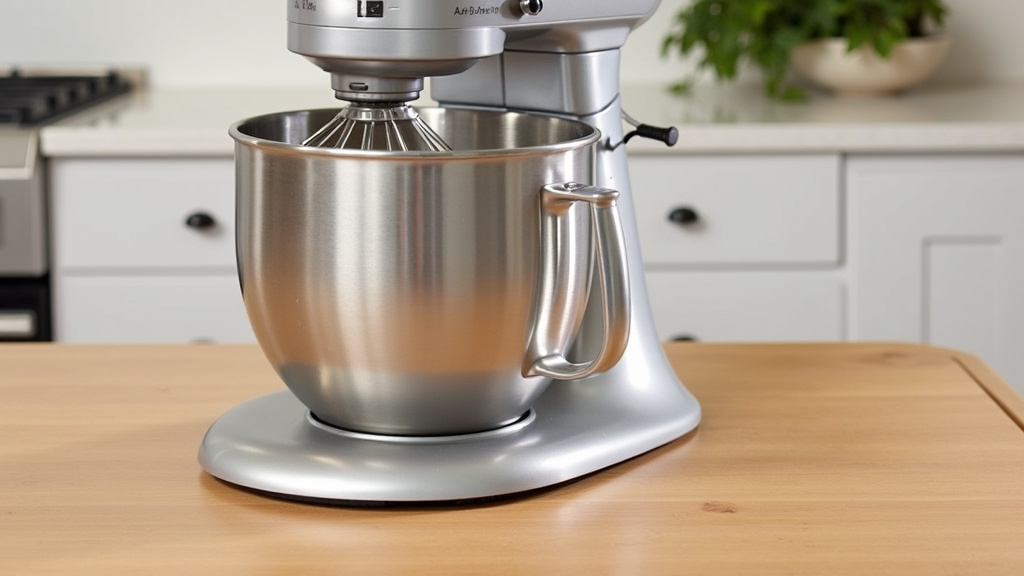
While improper adjustment is the most common culprit, there are other things to consider. If you’ve adjusted the screw as far as it will go and the beater is still too high or too low, there might be an issue with the mixer itself. This is rare, but possible.
Worn-Out Parts or Damage
Over extended use, internal parts of the mixer can wear down. This could affect how the beater arm is positioned. If your mixer has taken a fall or experienced a significant impact, it might have suffered **internal damage**. This could be the reason for your beater’s strange behavior.
Inspect the beater attachment itself. Are there any visible bends or damage? Sometimes, the attachment might not be fully seated. Make sure it clicks into place firmly when you attach it to the mixer shaft. A loose attachment can cause erratic movement.
Consulting Your Mixer’s Manual
Your stand mixer’s **owner’s manual** is an invaluable resource. It will have specific instructions for adjusting the beater height for your model. It can also help you identify other potential problems. If you can’t find your manual, most manufacturers offer them online as PDFs. Searching for “[Your Mixer Brand] [Your Mixer Model] manual” should do the trick.
If you’ve followed all the adjustment steps and consulted your manual, but the issue persists, it might be time to contact the manufacturer’s customer support. They can offer further troubleshooting advice or guide you through repair options. Sometimes, a simple part replacement is all that’s needed.
Checklist for a Perfectly Adjusted Beater
Here’s a quick rundown to ensure your beater is set just right:
- Unplug the mixer before making any adjustments.
- Ensure the beater is **firmly attached** to the mixer shaft.
- Adjust the screw in **small increments** (quarter turns).
- Test the height by hand, feeling for a slight gap.
- The ideal gap is about the **thickness of a dime**.
- Test with a small amount of batter or liquid to confirm.
Getting your beater height right is a small adjustment that makes a big difference in your baking. It ensures efficiency and better results every time you use your stand mixer. Happy baking!
Conclusion
You’ve learned that your stand mixer beater not scraping the bowl is usually a simple fix. The main culprit is often a beater set too high. By understanding and locating the adjustment screw, you can fine-tune the beater’s height. This ensures all your ingredients are properly mixed. Getting this right means smoother batters and less manual scraping for you. Now, you can confidently tackle any recipe. Your next step is to grab your manual and make that small adjustment.
Frequently Asked Questions
How do I know if my stand mixer beater is the right height?
You’ll know your beater is at the correct height if it comes very close to the bottom and sides of the bowl without actually touching or scraping it. A good test is to try sliding a dime between the beater and the bowl bottom; you should feel slight resistance.
What if my stand mixer doesn’t have an adjustment screw?
While most stand mixers have an adjustment screw, some older or simpler models might not. In such cases, you might need to use a different bowl that offers a better fit, or consider if there’s an attachment or spacer missing. Always check your owner’s manual for specific guidance.
Can a beater set too low cause problems?
Yes, a beater set too low can cause issues. It might start scraping loudly against the bowl, potentially damaging both the beater and the bowl. It can also make it harder to remove the beater after mixing, and could even cause your mixer to overheat due to excess strain.
Do I need to adjust the beater height for different attachments?
Typically, you only need to adjust the beater height for the paddle attachment. Whisk attachments usually don’t require precise height adjustment. If you’re using a dough hook, its design often accounts for a slight variation in bowl height.
How often should I check my stand mixer’s beater height?
You don’t need to check it very often. Once you’ve correctly adjusted it, it should stay set unless it’s been tampered with or you’ve replaced a bowl. It’s a good idea to do a quick check if you notice mixing issues or after transporting your mixer.
