Why Is My KitchenAid Beater Leaving Metal Shavings?
Stop using the mixer if a KitchenAid beater is hitting the bowl and leaving metal shavings. Unplug it, keep affected food out of use, and inspect the beater, bowl, fit, and clearance before mixing again.
On this page (11 sections)
- Why is my KitchenAid beater leaving metal shavings?
- What should I do as soon as I see flakes?
- Can beater height adjustment stop the scraping?
- Could the beater or bowl be damaged?
- What if the mixer makes a grinding noise or leaks?
- Does the bowl type affect metal shavings?
- What if the beater sits unevenly?
- Can unmixed flour mean the beater is too high?
- Which replacement or maintenance item should you choose?
- How can I prevent metal shavings from returning?
- What should you do about a KitchenAid beater hitting the bowl and leaving metal shavings?
If your KitchenAid beater is hitting the bowl and leaving metal shavings, stop mixing and unplug the mixer. Keep any food that may contain flakes out of use, then inspect the beater, bowl, attachment fit, and clearance before you make another batch.
Don't change the speed and keep going, or sand parts to make them fit. Metal flakes mean you need to identify the source first.
Why is my KitchenAid beater leaving metal shavings?
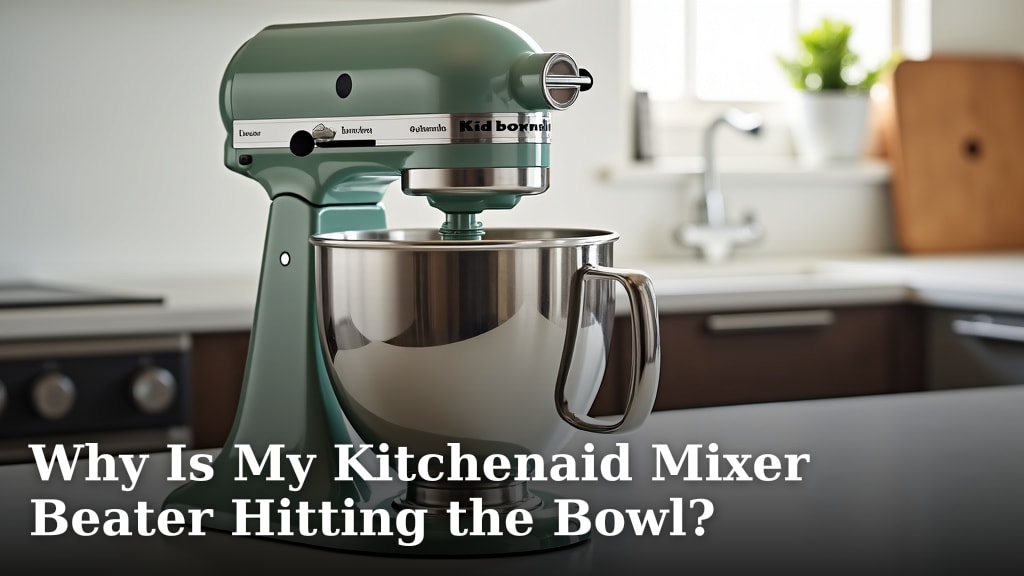
The beater may be scraping the bowl, or one of the parts may be damaged. Metal flakes are a reason to stop and inspect, not a normal sign that the beater needs routine adjustment.
Look for bright scrape marks, rough edges, chips, dents, or peeling coating on the beater and inside the bowl. Check the rim and base too, since repeated contact can leave a small mark that is easy to miss.
If the beater has a sharp edge, damaged coating, or visible chip, set it aside. Do the same with a bowl that has a deep gouge, damaged rim, or loose fit.
A replacement beater can still strike the bowl if it is incompatible, poorly seated, or set too low. For possible causes and clearance checks, see why a KitchenAid mixer beater hits the bowl.
What should I do as soon as I see flakes?
Stop the mixer, unplug it, and discard food that may contain metal. Don't taste or sift the mixture to try to remove flakes.
Once the attachment has stopped, remove it and wipe the bowl and beater with a clean, damp cloth. Inspect both under good light, including the areas that face each other during mixing.
Keep damaged parts out of use. If you can't identify where the flakes came from, contact KitchenAid support with your mixer model number and a clear description of what happened.
Don't run the mixer empty to see if the sound or scraping returns. That can worsen damage without telling you which part is at fault.
Can beater height adjustment stop the scraping?
An adjustment may help only when the parts are intact and the beater sits too low. It cannot repair a damaged bowl, attachment, or mixer.
First confirm that the beater matches your mixer and is secured correctly. Then follow the instructions for your exact model to check or adjust the beater-to-bowl clearance.
The steps can differ between mixer designs.
See how to adjust beater-to-bowl height for the adjustment process. Stop if the adjustment will not hold, the beater still strikes the bowl, or new marks appear.
Don't bend the beater or force it into position. A correct fit should not leave the attachment visibly crooked or create another scrape.
Could the beater or bowl be damaged?
Yes. A damaged surface can shed metal even after you correct the clearance.
Inspect both parts before deciding the mixer only needs an adjustment.
Check the beater where it passes closest to the bowl, including the edges and any coated areas. Look inside the bowl for a repeated contact mark.
Then check that its rim and base let it sit securely.
Don't use an attachment with peeling coating or a sharp burr. Don't use a bowl with a deep gouge or damaged rim that keeps it from locking in place.
If the bowl shifts or wobbles, stop and check how it sits in the base. This guide to why a stand mixer bowl wobbles covers seating and fit problems.
What if the mixer makes a grinding noise or leaks?
A new grinding noise, leak, or change in how the mixer runs points to a problem beyond beater clearance. Unplug the mixer and contact KitchenAid support or a qualified repair service if you suspect an internal fault.
If the mixer is shaking, see KitchenAid mixer shaking.
A greasy film near the attachment hub or a loud mixer does not prove that grease will solve the issue. Don't open the mixer or apply lubricant unless your manual calls for that maintenance and explains how to do it.
Food-grade grease is for gear maintenance when the mixer instructions require regreasing. For that separate task, {{product B0722VGTHJ | Impresa High-Viscosity 4 Oz Food Grade Grease is intended for stand mixers and other appliances requiring food-grade grease.}}
{{product B0BNX9TBXZ | Ohoho 6 Oz Food Grade Grease is intended for kitchen mixers and includes a gasket and spoon.}} Choose one only if regreasing is appropriate for your mixer and you can follow the manual.
Neither grease removes metal shavings or repairs a beater, bowl, or gear. Never apply grease to the bowl or beater, and don't use it as a substitute for inspection or service.
Does the bowl type affect metal shavings?
A metal bowl can show contact marks, but its material alone does not identify why flakes appeared. The beater, clearance, attachment fit, and bowl condition all matter.
Confirm that the bowl is made for your mixer model and locks into place as designed. If you are changing bowl types, read whether metal bowls work with stand mixers.
Don't assume a bowl is safe just because a scrape looks shallow. If metal is coming off, stop and confirm the source before using it again.
What if the beater sits unevenly?
If the beater looks tilted, reseat it and check that the bowl is fully locked before mixing. An uneven attachment or bowl can cause contact even when the usual height adjustment seems correct.
Unplug the mixer before removing and reseating the attachment. Check that the beater is made for your model and that it sits straight once secured.
A Mixmaster 1-8B guide to uneven beater placement covers a different mixer model. Its model-specific steps may not apply to KitchenAid, so use your own manual for adjustments.
Can unmixed flour mean the beater is too high?
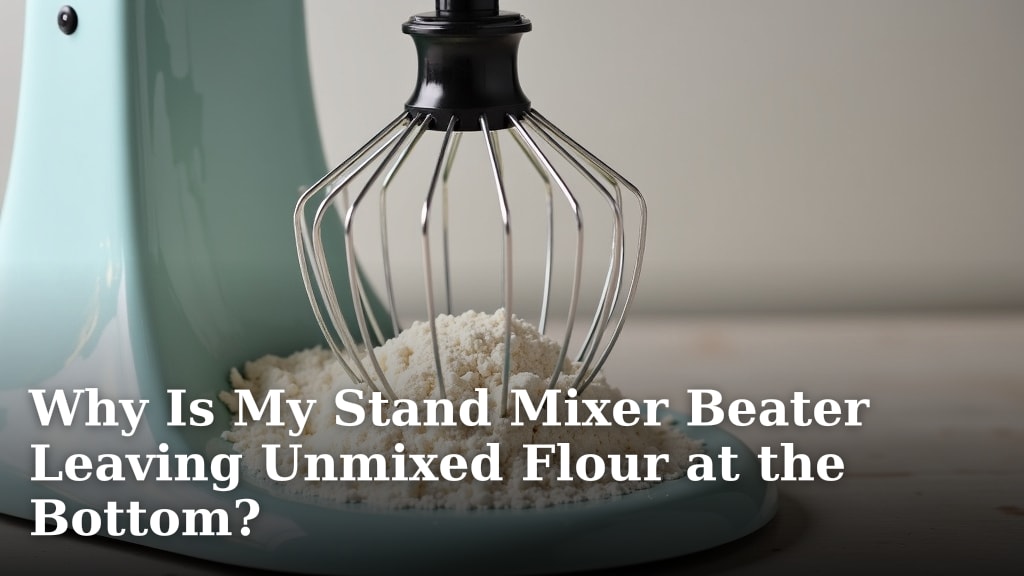
Unmixed flour at the bottom can mean the beater is not reaching that area, but lowering it without checking clearance can cause scraping. Rule out damage and confirm the fit before making adjustments.
Check that the attachment is correct and the bowl is seated. Follow the model's clearance instructions, and stop if the beater touches the bowl.
For other causes, see why a stand mixer beater leaves unmixed flour at the bottom. Don't keep mixing if you hear scraping or see flakes.
Which replacement or maintenance item should you choose?
Choose a replacement beater or bowl only after you identify the damaged part and confirm its compatibility with your mixer model. Use the model number to check the correct part with KitchenAid support.
Grease is a separate choice for gear maintenance, and it is useful only when the manual calls for regreasing. It will not stop a beater from striking the bowl.
The two grease options suit different maintenance needs. Impresa is a 4-ounce bottle for mixer and appliance gear maintenance, while Ohoho is a 6-ounce jar with a spoon and gasket; choose based on the quantity and included parts you need, and skip both if you are trying to fix bowl contact.
The BLACKHORSE-RACING item is a go-kart drive belt, not a mixer part.
Avoid ordering any part based on appearance alone. Match it to your mixer model and attachment connection.
How can I prevent metal shavings from returning?
Use an intact, compatible beater and bowl, and confirm that the attachment clears the bowl before mixing. Recheck the fit whenever you change the bowl or beater.
Keep the mixer unplugged while you inspect or adjust it. Follow the manual for clearance and maintenance, and stop at once if scraping returns.
What should you do about a KitchenAid beater hitting the bowl and leaving metal shavings?
Do not use the mixer again until you identify the source of the flakes and repair or replace the damaged part. If the beater and bowl look intact but contact continues, arrange service before mixing.
Choose a clearance adjustment only when the parts are intact and the manual supports it. Choose a replacement only after confirming the model fit, and choose food-grade grease only for gear maintenance the manual calls for.
Frequently asked questions
Can I use my mixer if I see metal shavings?
No. Stop the mixer, unplug it, and keep food that may contain flakes out of use.
Inspect the beater and bowl under good light, and check the attachment and bowl seating.
If the source is unclear or a part is damaged, contact KitchenAid support before mixing again.
Can a beater hitting the bowl cause metal flakes?
Yes. Repeated contact can scrape metal from a beater or bowl, depending on the parts and their condition.
Stop using the mixer, inspect both surfaces, and check the beater-to-bowl clearance using the instructions for your model.
Will adjusting the beater height fix metal shavings?
It may stop contact if the parts are intact and the beater is set too low. It won't repair a chipped beater, damaged bowl, loose attachment, or internal fault.
Inspect the parts first and follow your model's manual for any adjustment.
Is food-grade grease a fix for metal shavings?
No. Grease is for mixer gear maintenance when the manual calls for it, not for flakes caused by a beater touching the bowl.
Stop mixing and find the source of the metal before considering maintenance.