Why Does My KitchenAid Mixer Shake?
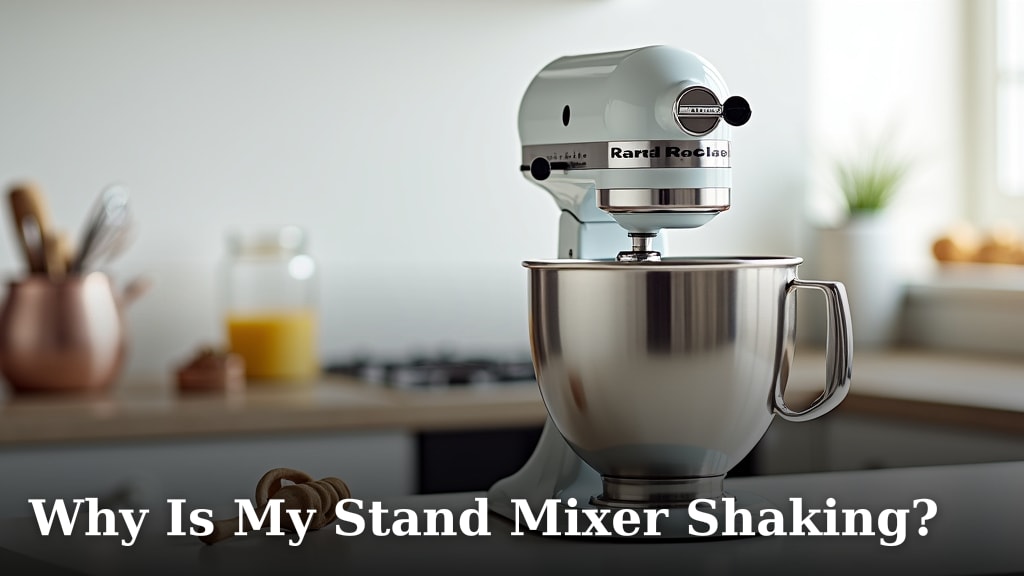
A KitchenAid mixer may shake because the bowl or head is not secured, the mixer sits unevenly, or the load is too heavy. Stop it, unplug it, and check those points before using it again.
On this page (9 sections)
- What causes a KitchenAid mixer to shake?
- Can a loose bowl or head make a KitchenAid shake?
- Does a small amount of head movement mean something is wrong?
- Can dough or a large batch cause shaking?
- How can you tell whether the counter or feet are the cause?
- What should you check before restarting?
- Do grease or replacement parts fix a shaking mixer?
- When should you stop using the mixer?
- What causes a KitchenAid mixer to shake, and what should you do?
A KitchenAid mixer may shake because the bowl or head is loose, the base is unstable, or the motor is working through a heavy load. Switch it off, unplug it, and check those causes before you run another batch.
A small amount of movement can be normal during mixing, particularly with a dense load. Strong rocking, repeated knocking, a bowl that shifts, or a head that lifts or bounces calls for a closer check.
What causes a KitchenAid mixer to shake?
A loose bowl, an unprotected tilt head, an uneven surface, or a demanding mixture are common causes of shaking. The stand mixer’s bowl and head need to be secured before you use it.
First, stop the mixer and unplug it. Check the bowl, head lock, beater clearance, and feet, then compare the load and speed with your model’s manual.
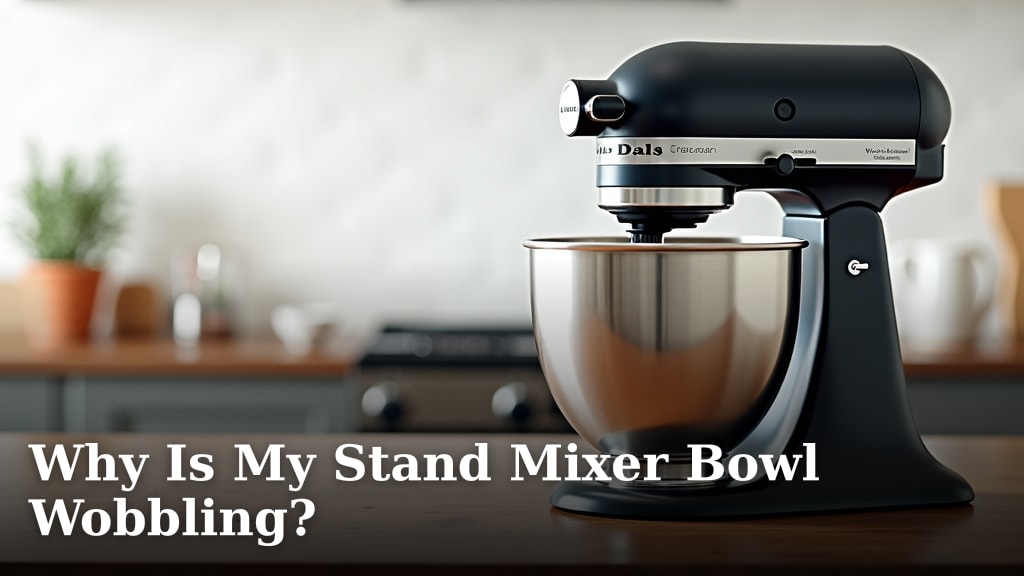
If the bowl itself moves, see why a stand mixer bowl wobbles. If the whole machine rocks across the counter, why a stand mixer shakes covers other common checks.
Can a loose bowl or head make a KitchenAid shake?
Yes, a bowl or head that is not locked in place can move as the attachment turns. The right setup depends on whether you have a tilt-head or bowl-lift model.
For a tilt-head mixer, lower the head fully and engage its lock before mixing. For a bowl-lift mixer, seat the bowl on its supports and raise it into position as the manual directs.
On either design, stop if you hear the beater strike the bowl. Check the attachment and bowl position with the machine unplugged, then follow the model’s instructions for setting clearance.
Our guide to a KitchenAid beater hitting the bowl explains what to inspect.
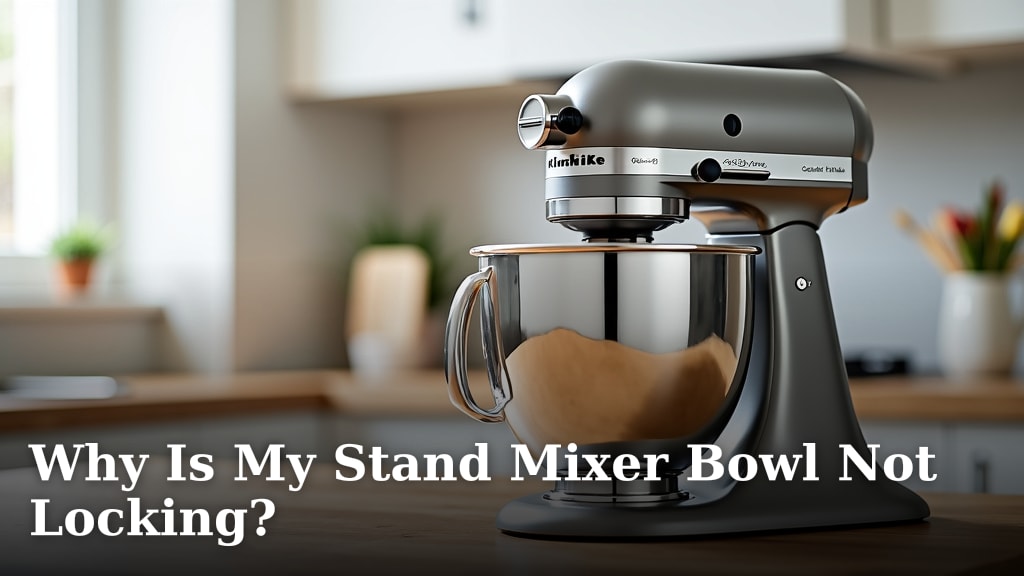
A bowl that will not stay fixed needs attention before you continue. Use why a stand mixer bowl won't lock to check its fit and locking points.
Does a small amount of head movement mean something is wrong?
A little head movement under load can happen, but pronounced or worsening movement should not be ignored. Stop the mixer if the head bounces, opens, knocks, or makes the attachment hit the bowl.
Unplug the mixer before checking the head lock and hinge area. Don't force a latch or tighten a screw unless the instructions for your exact model tell you to do so.
If the head still shifts after you reseat and lock it, contact KitchenAid support or a qualified repair service. A persistent wobble may come from a part that needs adjustment or repair.
Can dough or a large batch cause shaking?
Yes, dense dough and large batches can make the mixer work harder and move more. Use the dough hook, speed, and batch size allowed for your model, and stop if the mixer knocks or strains.
A stiff dough can pull the bowl and head as the attachment turns. If the movement starts only with dough, reduce the batch and check that the ingredients are not packed around the attachment.
Do not hold the head down or press on the mixer while it runs. If the unit gets unusually hot or stops during a demanding batch, read why a stand mixer overheats and let the mixer cool as its manual directs.
How can you tell whether the counter or feet are the cause?
A mixer can rock if it sits on a soft, uneven, or slippery surface. Move it to a flat, dry counter with room around the base, then check that every foot contacts the surface.
Wipe crumbs, flour, and moisture from beneath the feet and counter. Don't put a towel or mat under the mixer unless the manual permits it, since a soft layer can make the base less stable.
With the mixer unplugged, gently check whether it rocks when you press near each corner. If it still tips or slides on a suitable surface, stop using it and ask KitchenAid support about the feet or base.
What should you check before restarting?
Restart only after the bowl and head are secured, the attachment clears the bowl, and the mixer sits firmly on the counter. Use a small, suitable load at the speed recommended by the manual.
Follow this quick check:
- Switch off and unplug the mixer.
- Reseat the bowl and secure it according to the model.
- Lower and lock a tilt head, or raise a bowl-lift bowl fully.
- Check that the attachment is installed correctly and does not strike the bowl.
- Clear the counter beneath the feet and remove excess ingredients.
- Restart at a low speed while watching and listening from a safe distance.
Stop at once if the shaking returns or you hear a new grinding, clanking, or repeated knocking sound. See how to fix a wobbling stand mixer for further checks.
Do grease or replacement parts fix a shaking mixer?
Grease usually won't fix shaking caused by a loose bowl, head, or base. Those are external setup checks; don't open the mixer or add grease unless the manual or a repair professional calls for it.
If inspection points to internal gear maintenance, the Impresa grease is described for stand mixers and other appliances that require food-grade grease. For a KitchenAid procedure, see how to grease a stand mixer.
Follow your manual for the correct type and application.
The Ohoho grease is also described for kitchen stand mixers and includes a gasket. That doesn't make it a repair for a loose head, shifting bowl, or unstable feet.
Don't buy a drive belt for a shaking KitchenAid. The BLACKHORSE-RACING belt is a go-kart replacement part, so it does not fit this mixer problem.
When should you stop using the mixer?
Stop using it if shaking continues after basic setup checks, or if you notice a burning smell, grinding, leaking lubricant, or repeated loud knocks. If you see sparks, read why a kitchen mixer motor sparks.
Unplug it and contact KitchenAid support or a qualified repair service.
Don't keep running the mixer to see whether a serious sound goes away. Avoid opening the housing unless the manufacturer’s instructions authorize that work and you know how to do it safely.
What causes a KitchenAid mixer to shake, and what should you do?
For a KitchenAid mixer that shakes, check the bowl lock, head lock, attachment clearance, load, and counter first. If one adjustment stops the movement, restart cautiously at the recommended speed.
If the mixer still shakes, makes unusual sounds, or shows signs of internal trouble, leave it unplugged and seek service. A bowl that moves needs a bowl-fit check; a head that lifts needs a head-lock check; rocking across the counter calls for a stable surface and foot check.
Frequently asked questions
Is it normal for a KitchenAid mixer head to move?
A slight movement can occur while a tilt-head mixer works, but pronounced shaking, banging, or a head that lifts from its locked position needs attention. Stop the mixer and check the bowl, attachment clearance, head lock, and load.
Use the manual for model-specific adjustment steps.
Why does my KitchenAid mixer shake with bread dough?
Bread dough can put a heavy load on a stand mixer, especially if the batch is large or stiff. Stop the mixer, check the manual's capacity and speed guidance, and reduce the batch if needed.
Don't hold the mixer down while it runs or continue through loud knocking.
Can a loose bowl make a KitchenAid mixer shake?
Yes. A bowl that is not seated or locked can wobble as the beater moves, and an unprotected bowl may let the attachment strike it.
Turn the mixer off, unplug it, and reseat the bowl using the steps for your model before restarting.
Should I grease a KitchenAid mixer if it shakes?
Grease is not a first fix for shaking because it won't secure a bowl, level the base, or correct a loose head. Check those parts and the load first.
If shaking comes with grinding, leaking grease, burning smells, or persistent knocking, stop using the mixer and contact KitchenAid service.